Your comments

Hello.
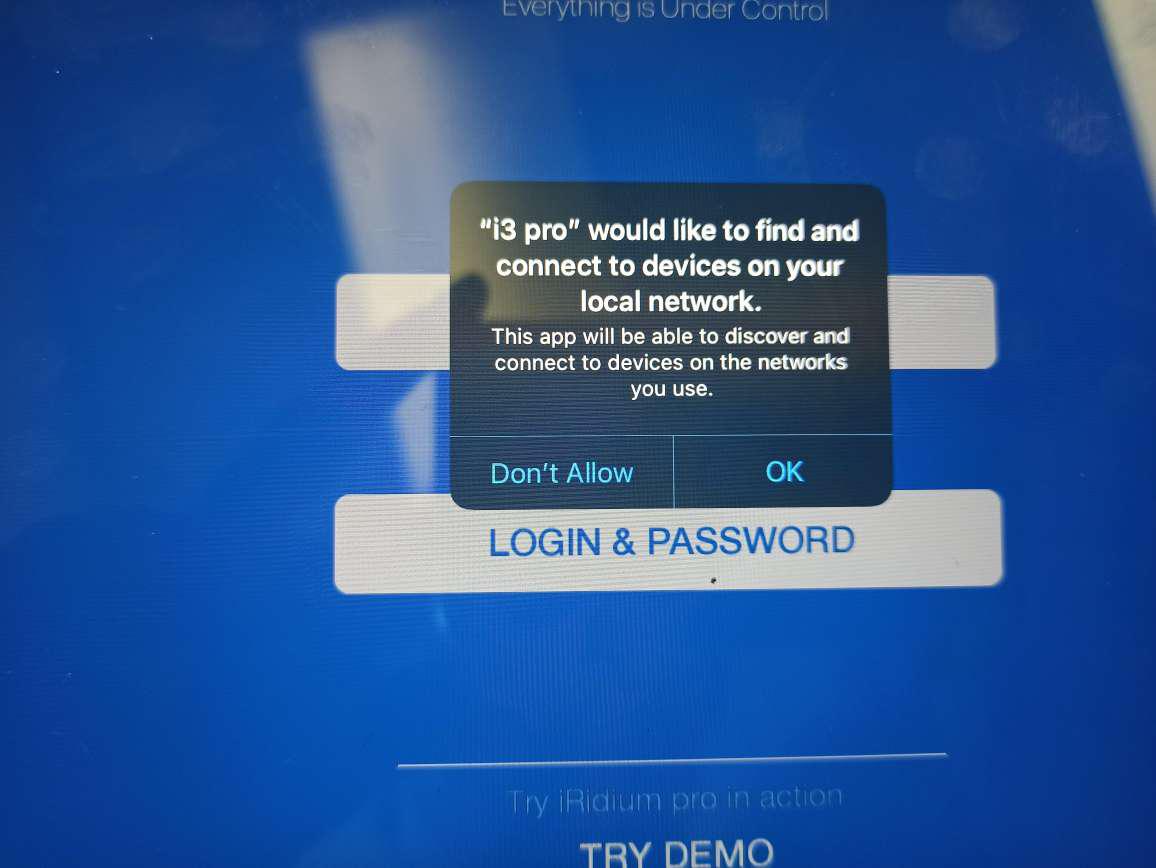
In iOS 14, you must allow the app to use the local network:
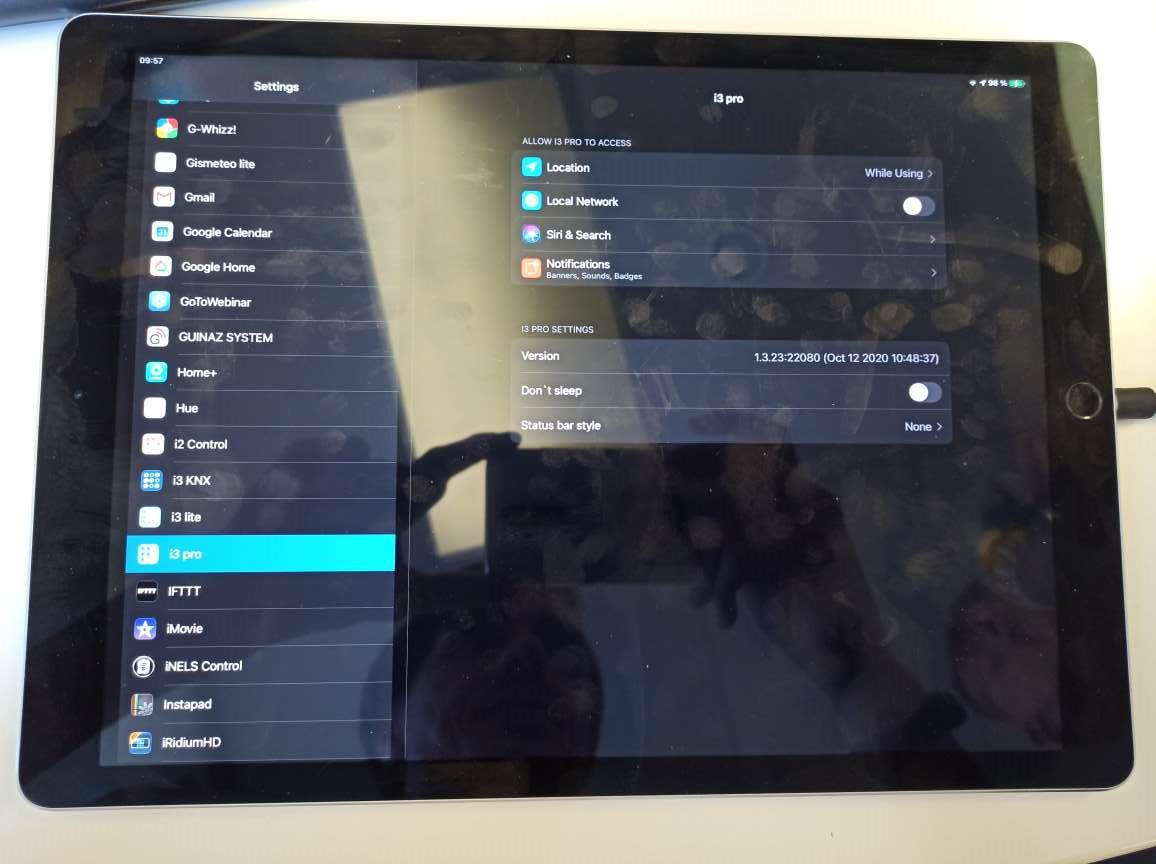
If you are not allowed to use the network after updating iOS or after installing i3 pro, you can do this later in the app settings:
akis theoharis, let us know the exact iOS version.
Try doing logout and login again in the app.
Hello.
Which version of i3 pro is used?
Hello.
The current version of the server supports all available network interfaces. The iRidium server listens to all available interfaces and can send data at the network level to any of them.
Hello.
1) the Google documentation says that you need to Base64-encoded (not Base64url).
2) Sign with a private key associated with the service account identified by the client email.
3) Only one type of encryption can be used in CreateEncryption - RSA.
4) Decode the JWT claim set and verify the key that signed the assertion is associated with the service account.
Hello.
Base64URL is a modification of the main Base64 standard.
In i3 pro, there is no separate method for Base64URL. You can write a function in JavaScript to do this. You may need information from here.
Hello.
1) Get the path to the i3 pro application directory.
2) Ffrom your app, start i3 pro on the absolute path.
Hello.
Do you need our help at the moment?
Customer support service by UserEcho


Hello.
Label has no settings other than the main ones. You can get text scrolling by changing the Text property to Item in the interval. The result is the animation of the marquee. However, you need to use JavaScript to do this.